Push Notifications
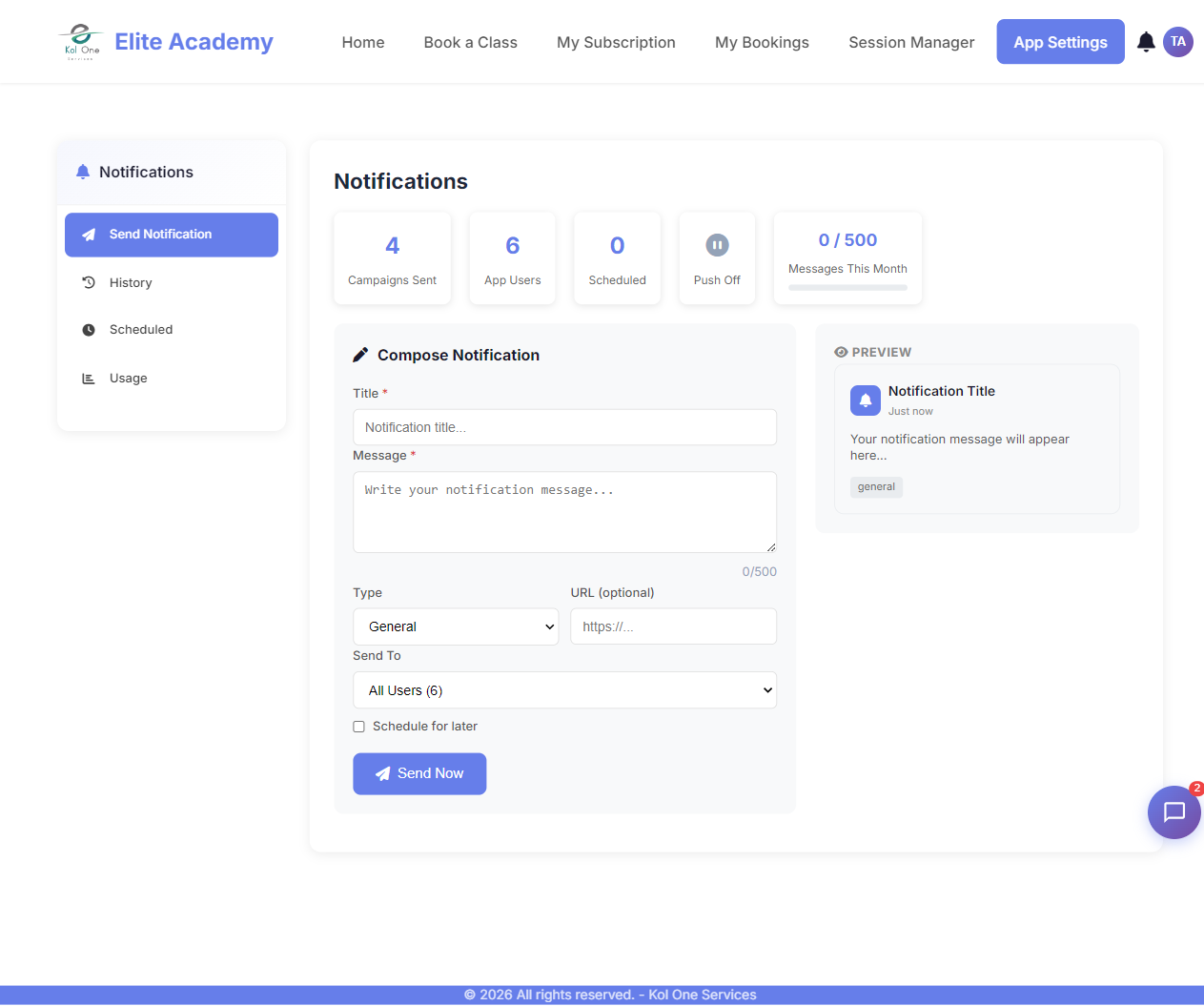
If the Notifications module is enabled, you can send push notifications to your app users.
Sending a notification
- Go to App Settings → Notifications.
- Click Send Notification.
- Enter a title, message, and optionally a link.
- Choose recipients: all users, specific roles, or individual users.
- Click Send.
Users receive notifications
Logged-in users see a bell icon in the top navigation. Unread notifications show a red badge. Clicking the bell opens the notification panel.
Tip: Notifications are also available via the
/api/notifications endpoint for automation workflows.Was this article helpful?