New automation
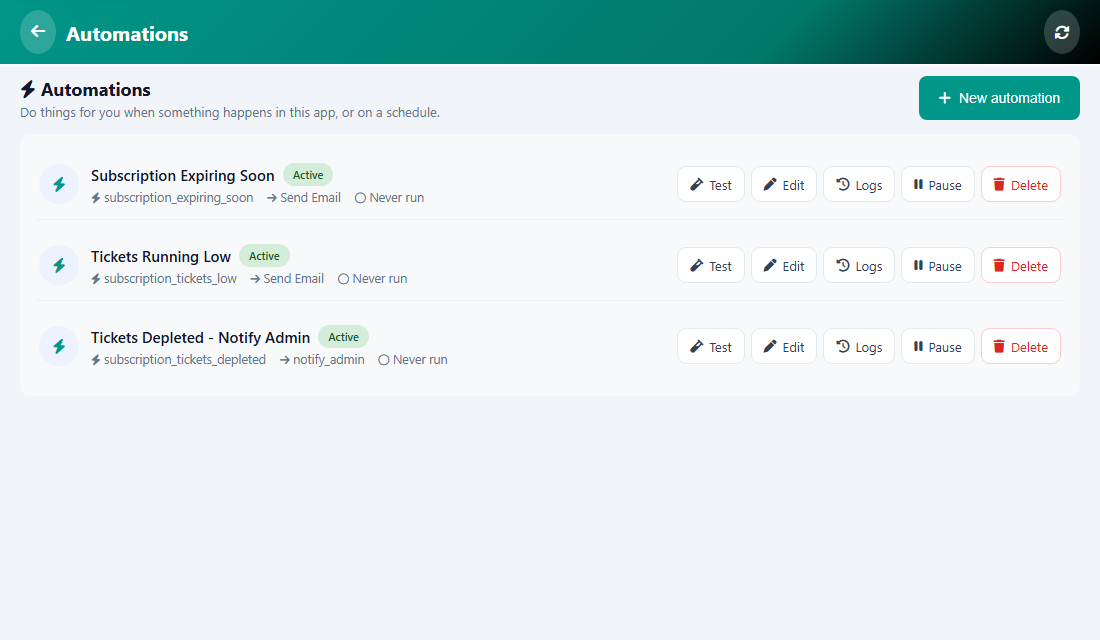
An automation does a task for you. You choose when it runs (the trigger) and what it does (the action).
Triggers
- On a schedule: every day, every week, every month, or a custom time.
- New user sign up.
- New booking, or booking cancelled.
- Invoice or income created, or payment received.
- New subscription.
- Session is closed.
- Hours before a booking, for reminders.
Actions
- Send Email: type who gets it, the subject and the body.
- Send Notification: title and message, to a specific user, a role or a group.
- Send Telegram: a message to a Telegram chat.
- Subscription Report: a summary of subscriptions sent by email.
Schedule times
Pick a ready time such as Every day at 8:00 AM. For a special time choose Custom cron expression: five parts separated by spaces (minute, hour, day of month, month, day of week). For example 0 7 * * * is every day at 07:00.
Tip: Give each automation a clear name, so you can find it later.
Was this article helpful?