Adding the Booking Widget to a Page
The Booking Widget is a page block that displays the booking calendar to your users.
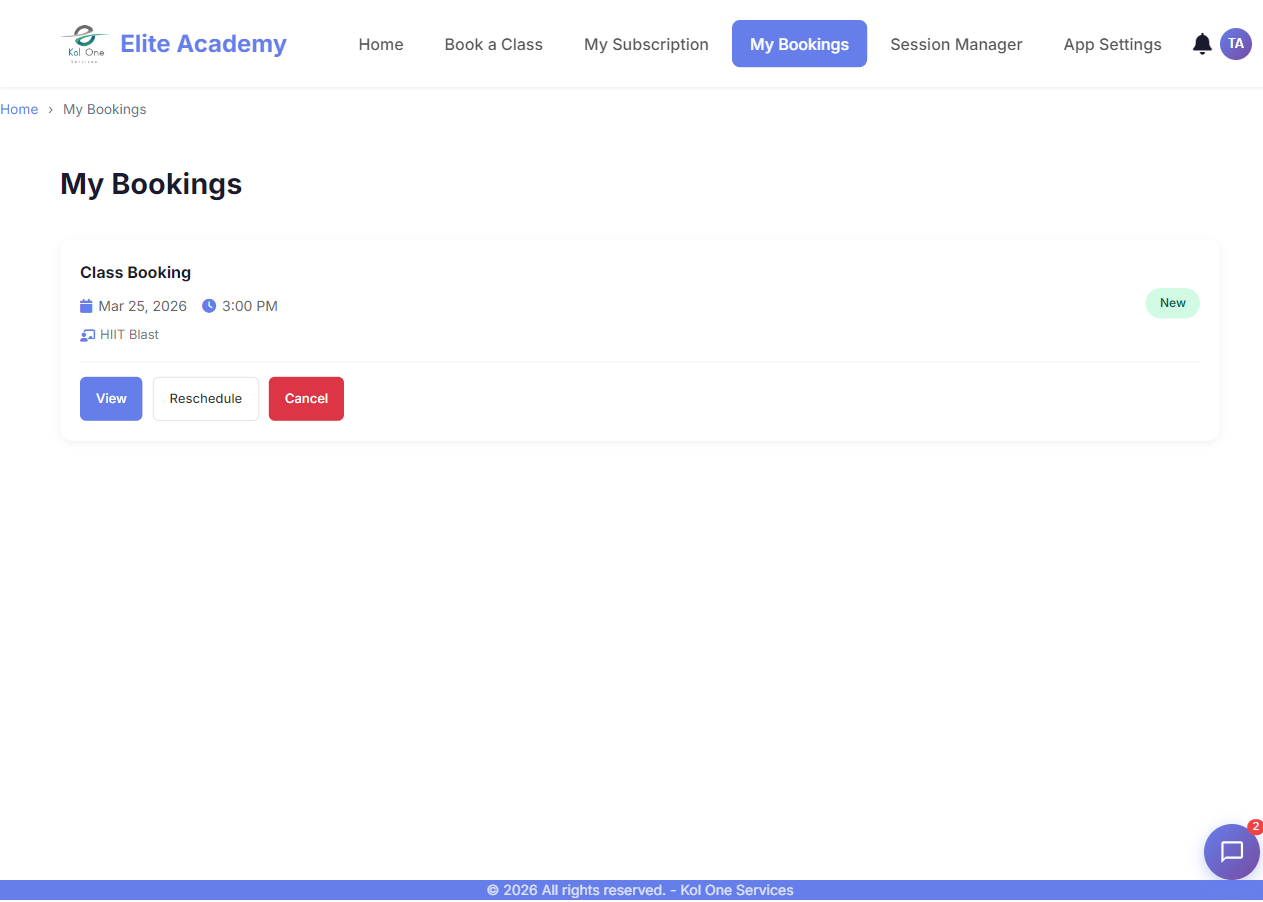
Adding the widget
- Open the Page Builder for any page.
- Click + Add Block.
- Select Booking Widget from the block list.
- In the block settings, choose which Service to show (or show all services).
- Publish the page.
How users interact with it
- Users must be logged in to complete a booking.
- They select a date from the calendar.
- Available time slots appear for that date.
- They click a slot and confirm their booking.
- A confirmation is shown and an email is sent.
Tip: Place the Booking Widget block on your home page or a dedicated "Book Now" page for maximum visibility.
Was this article helpful?