Booking Module Overview
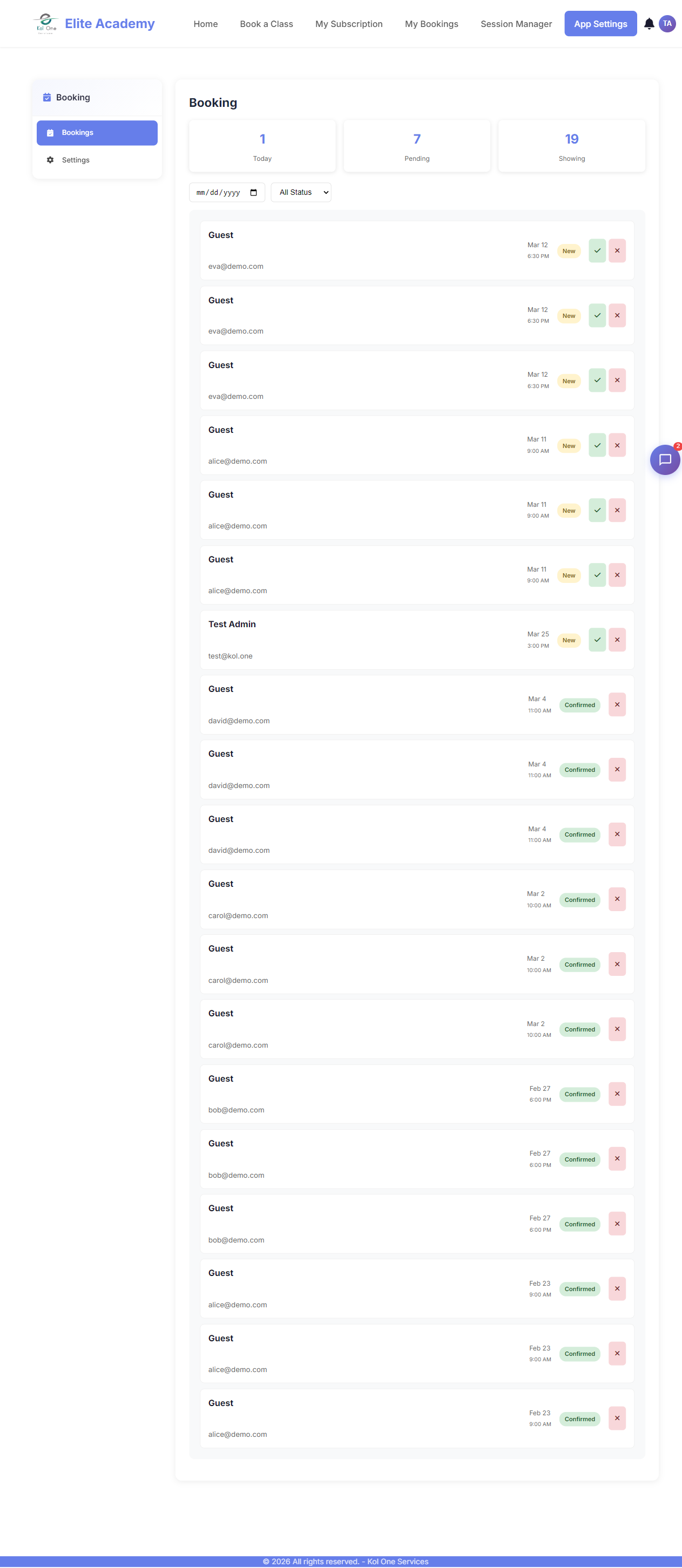
The Booking module lets your app users book appointments, classes, or services. You define the services, schedules, and availability — users pick a slot and confirm.
Key concepts
- Service — What is being booked (e.g. "1-hour massage", "Guitar lesson"). Has a duration and price.
- Schedule — When a service is available (days of week, time ranges).
- Slot — A specific available time generated from the schedule.
- Booking — A confirmed reservation by a user for a specific slot.
Flow overview
- Admin creates services and schedules in App Settings → Booking.
- User opens the Booking Widget on a page.
- User selects a service, picks an available date and time slot.
- User confirms — a booking is created and a confirmation email is sent.
- Admin views and manages all bookings in App Settings → Booking.
Was this article helpful?