App Settings Overview
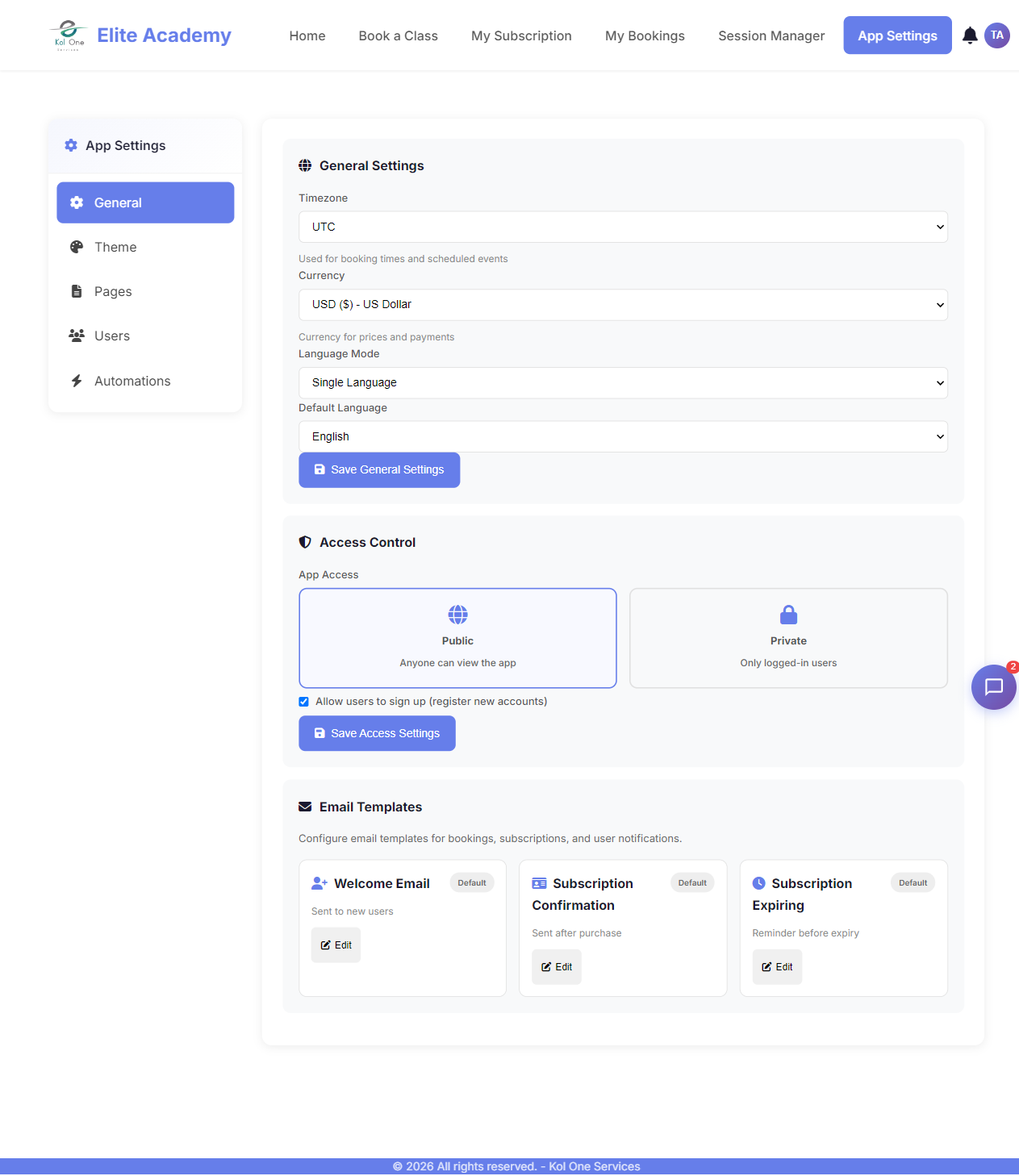
The App Settings panel is the control center for a single app. Access it from the profile menu (admin users only) or at ?page=app-settings.
Tabs in App Settings
- General — App name, description, slug, status, and access type.
- Theme — Colors, fonts, layout template, logo, and custom CSS.
- Pages — Create, edit, sort, and delete pages. Manage page access.
- Modules — Enable or disable feature modules.
- Users — App users list, roles, signup fields, and auth settings.
- Booking — Services, schedules, and booking settings (if Booking module enabled).
- Subscriptions — Programs, plans, and subscription settings (if module enabled).
- Emails — Email notification templates for this app.
- Languages — Enable multi-language support and translate content.
- Automations — Trigger actions on events (e.g. send email on booking confirmed).
Was this article helpful?