Your App Settings
Everything you need to configure your app lives in App Settings — accessible from the profile menu in the top right corner of your app (admin users only).
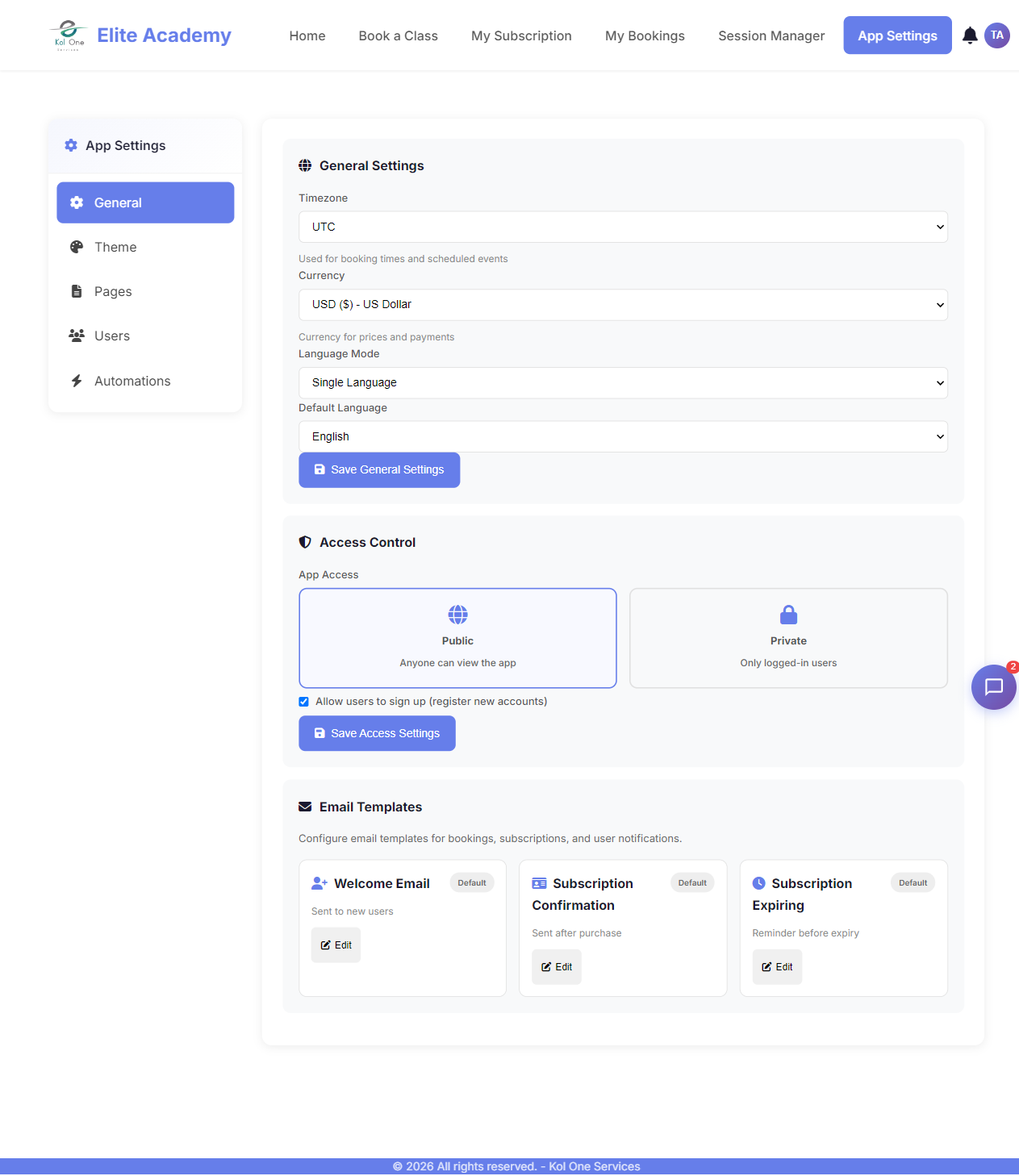
What you can do in App Settings
- Change your app name, description, and logo
- Customize colors, fonts, and layout template
- Create and edit pages with the Page Builder
- Enable or disable modules (Booking, Subscriptions, Tasks, etc.)
- Manage users, roles, and signup fields
- Set up email notifications and automations
- Configure languages and translations
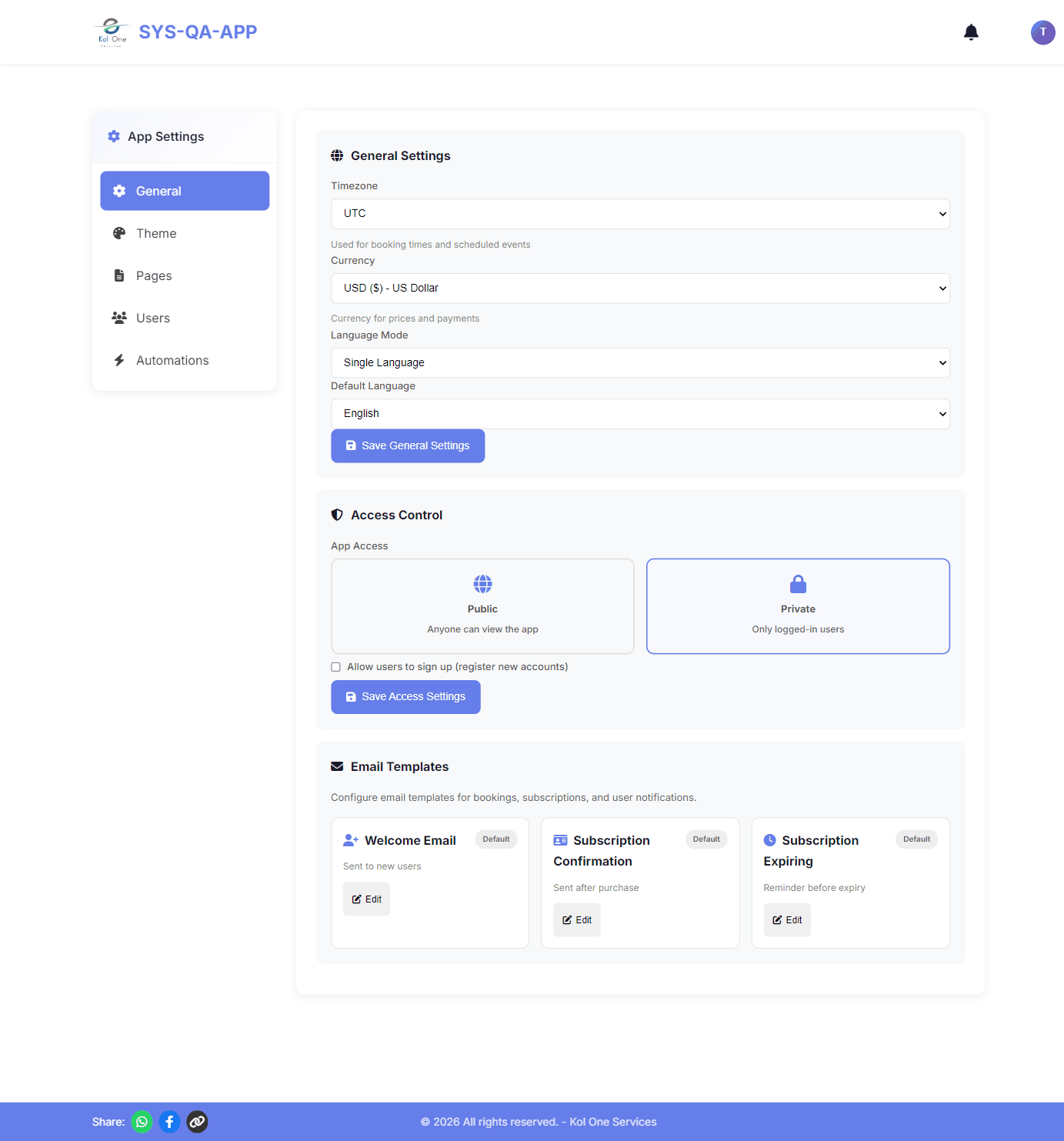
Tip: Click your avatar in the top right corner, then click App Settings to open the settings panel.
Was this article helpful?