
Refunds
Use Refunds when you give money back. The refund stays linked to the original payment, so your income reports remain correct.
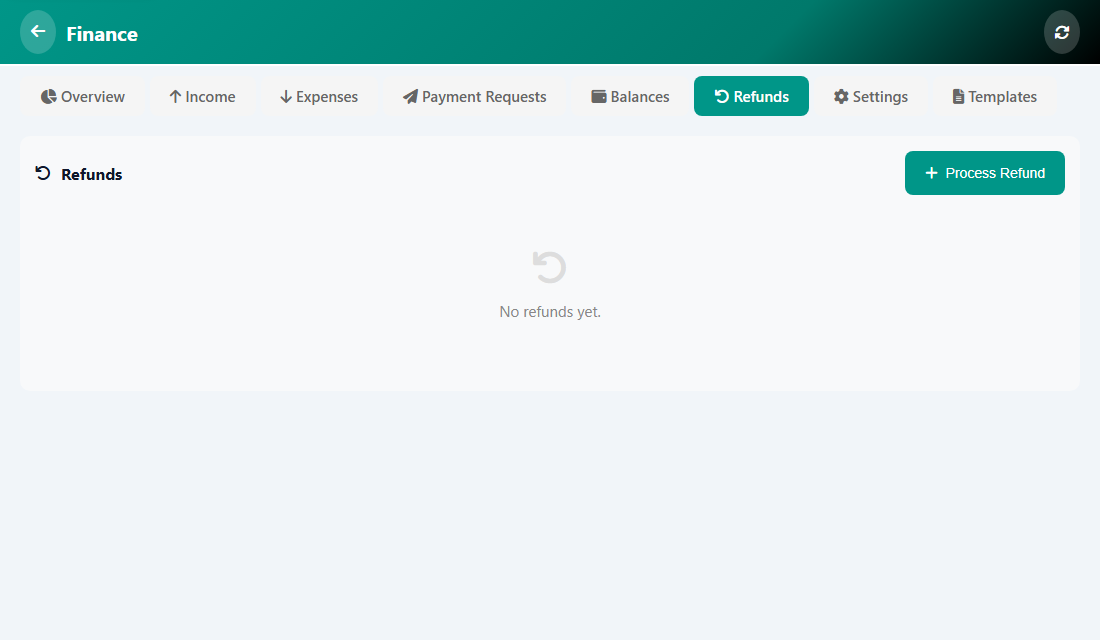
Process a refund
- Open Manage, then Finance, then Refunds.
- Tap Process Refund.
- Choose the Payment to Refund. The amount fills in, and you can lower it for a partial refund.
- Choose the Method: Credit to Balance, Original Payment, Cash or Bank Transfer.
- Write the Reason (required) and save.
Was this article helpful?