
Holidays / Blocked Days
Use this when you are closed: public holidays, a trip, a repair day. Blocked days and hours are not offered for booking.
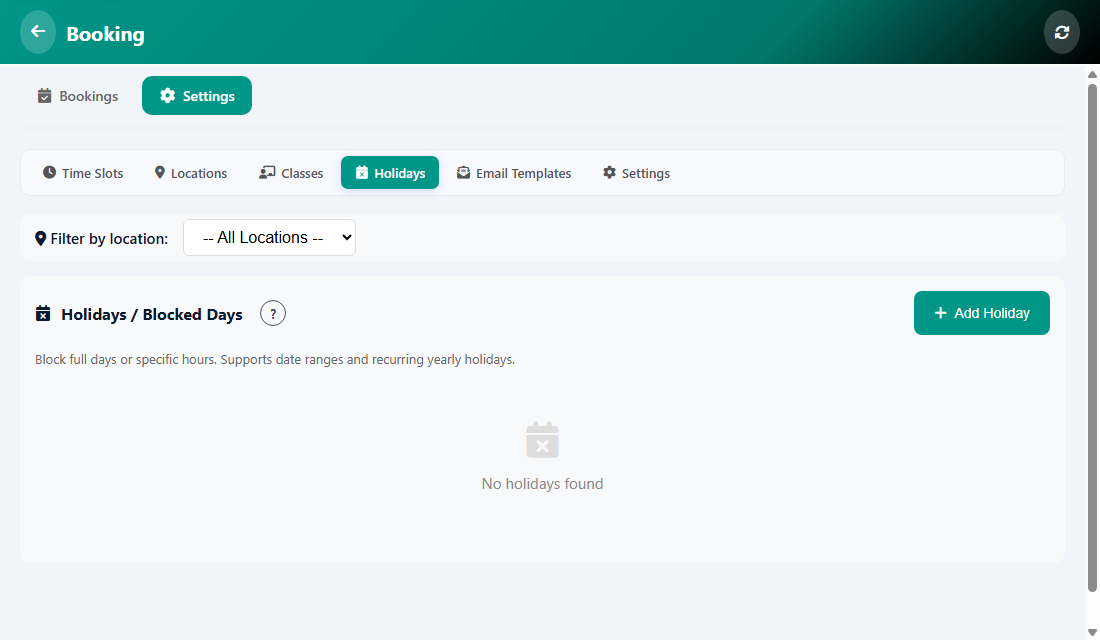
What you can block
- A full day.
- Specific hours of a day.
- A range of dates, for example a week of holiday.
- A day that repeats every year, such as a national holiday.
How to add one
- Open Manage, then Booking, then Settings, then Holidays.
- Tap Add Holiday.
- Choose the date or the date range and, if needed, the hours.
- Save. To bring the days back, delete the entry from the list.
Was this article helpful?