
Expense Records
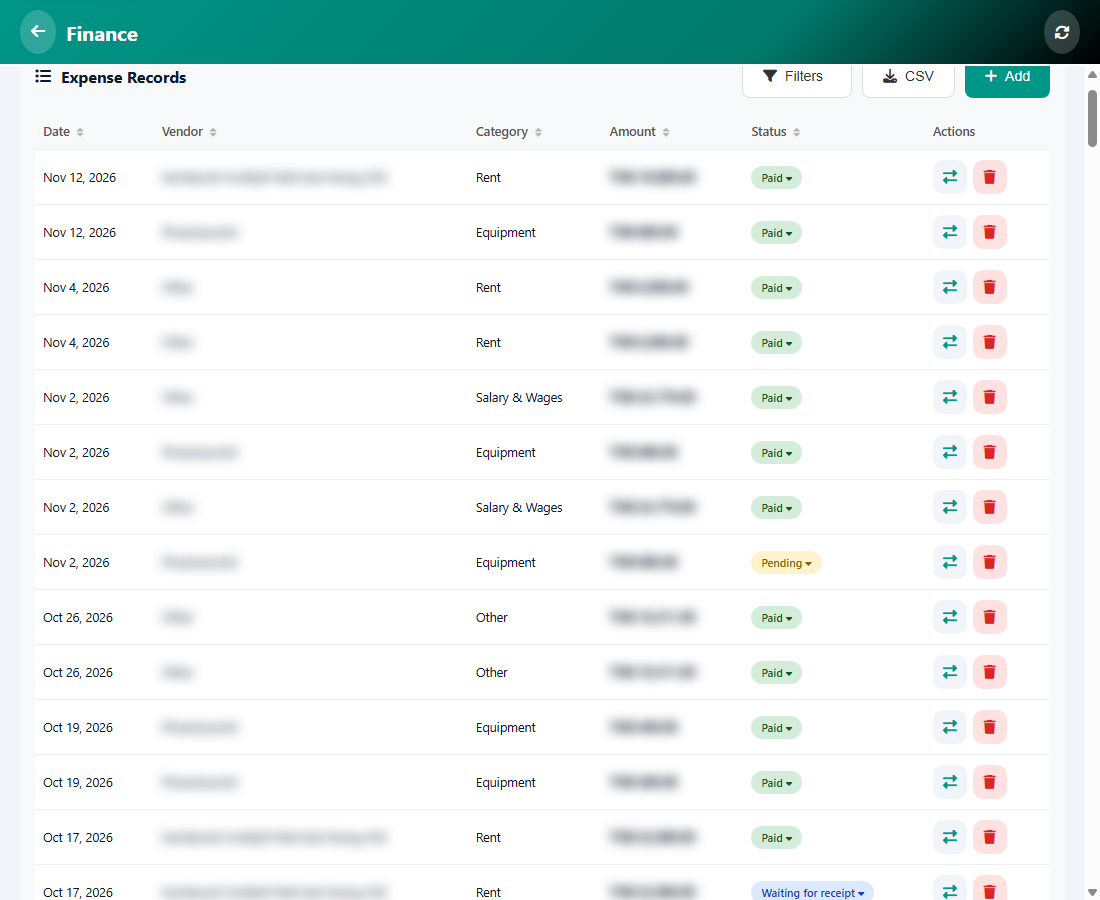
Expense Records shows what you paid out: rent, equipment, salaries and more. Open it from Manage, then Finance, then Expenses.
The columns
- Date, Vendor, Category, Amount and Status.
- The status can be Paid, Pending or Waiting for receipt. Tap the status to change it.
The buttons
- Filters and CSV work like in Income Records.
- Add records a new expense.
- The row icons let you change the entry or delete it.
Was this article helpful?