
Customer Balances
A balance is money a customer holds with you, for example after a refund that you chose to credit. Open it from Manage, then Finance, then Balances.
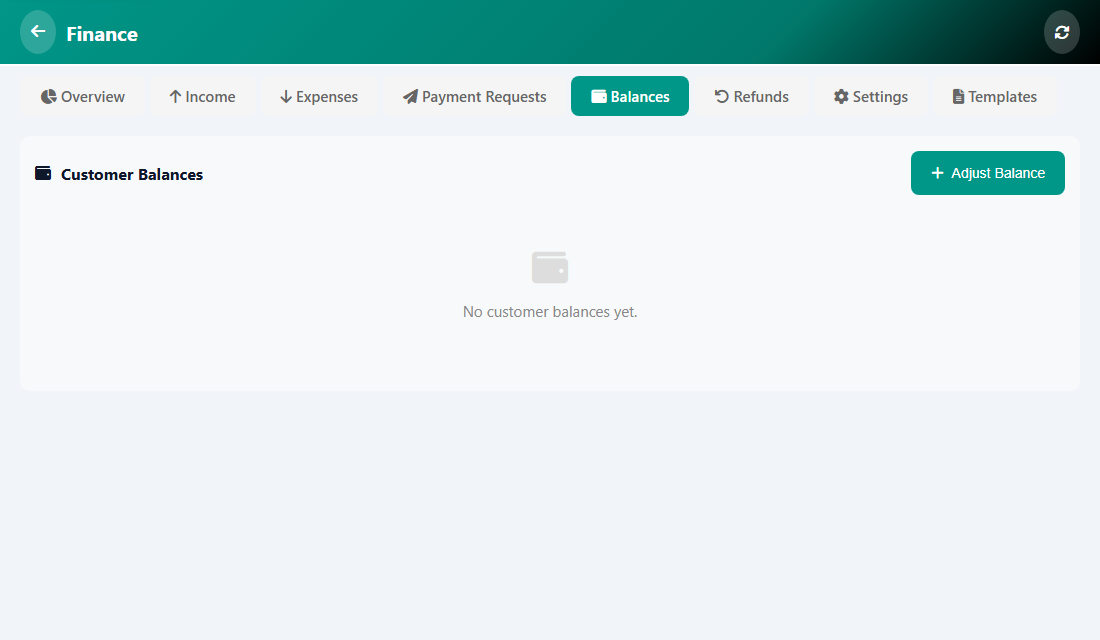
Adjust a balance
- Tap Adjust Balance.
- Choose the customer.
- Type the amount and a description. The description is required, so you remember why.
- Save. The balance shows in the list, and a customer without a balance does not appear.
Was this article helpful?