
Chat Settings
Chat lets visitors and users write to you from a small bubble on your app. You answer from the chat inbox.
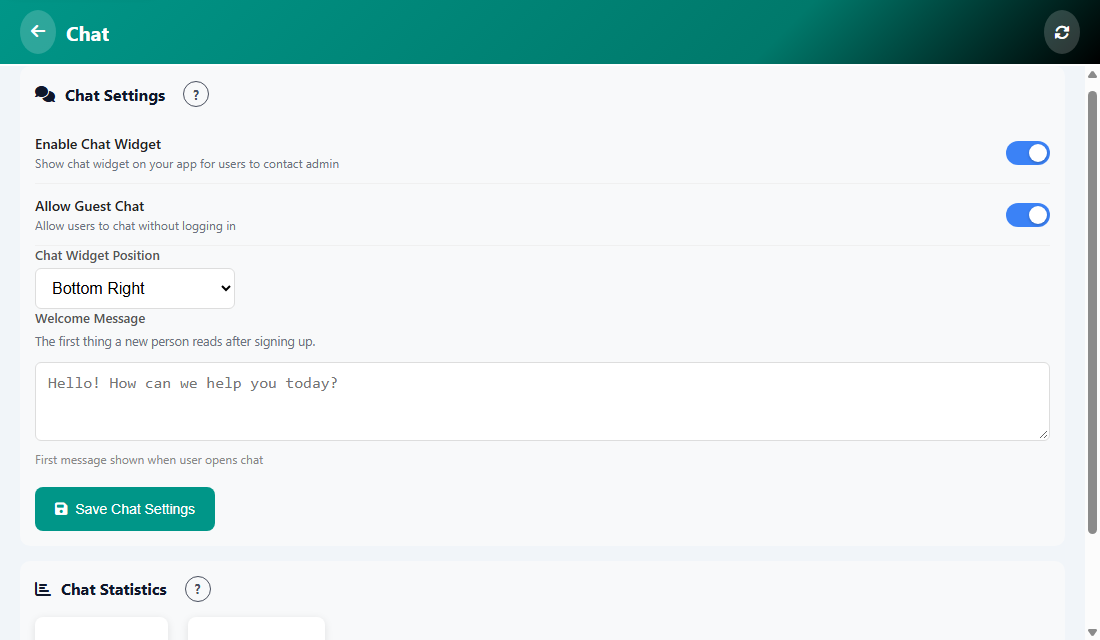
The settings
- Enable Chat Widget: shows the chat bubble on your app.
- Allow Guest Chat: lets people chat without logging in.
- Chat Widget Position: Bottom Right or Bottom Left.
- Welcome Message: the first message people see when they open the chat.
Tap Save Chat Settings. To read and answer messages, open Chat from the Manage menu.
Was this article helpful?