
Custom Domain
Show your app on your own address, for example app.mycompany.com. Links, emails and pages then use your domain, with HTTPS included.
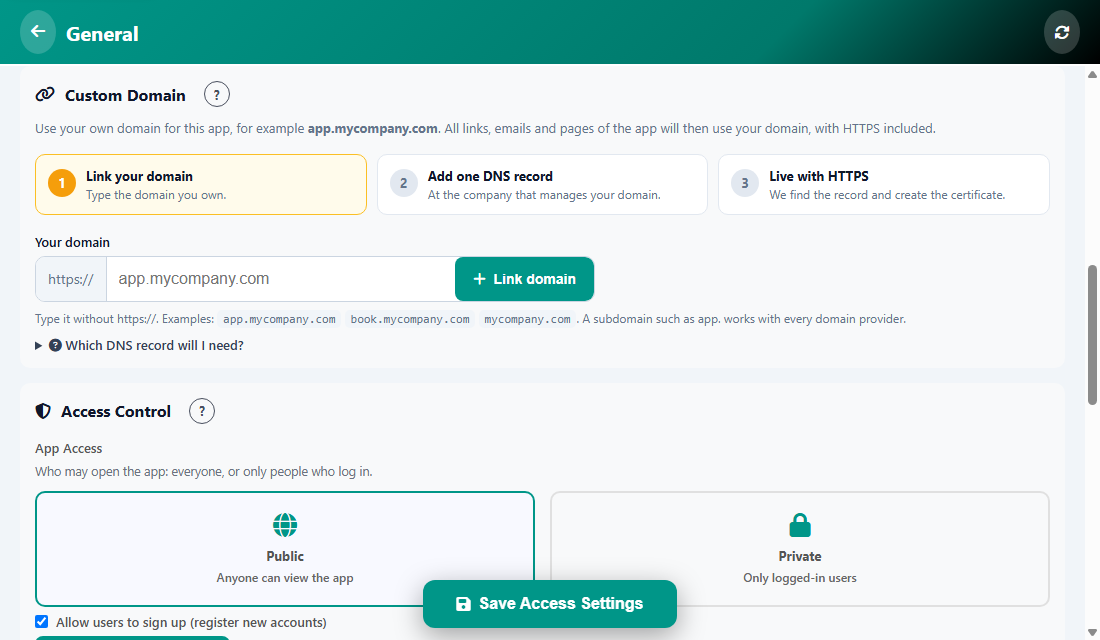
Three steps
- Link your domain. Type the domain you own, without https://. Examples: app.mycompany.com, book.mycompany.com, mycompany.com. A subdomain such as app. works with every domain provider.
- Add one DNS record at the company that manages your domain. Open Which DNS record will I need? to see exactly what to type.
- Live with HTTPS. We find the record and create the certificate for you.
Tip: DNS changes can take from a few minutes to a few hours. If it is not live yet, wait and check again.
Was this article helpful?