
Browser Push Notifications
Browser push sends a notification to the phone or computer of a user, even when the app is not open.
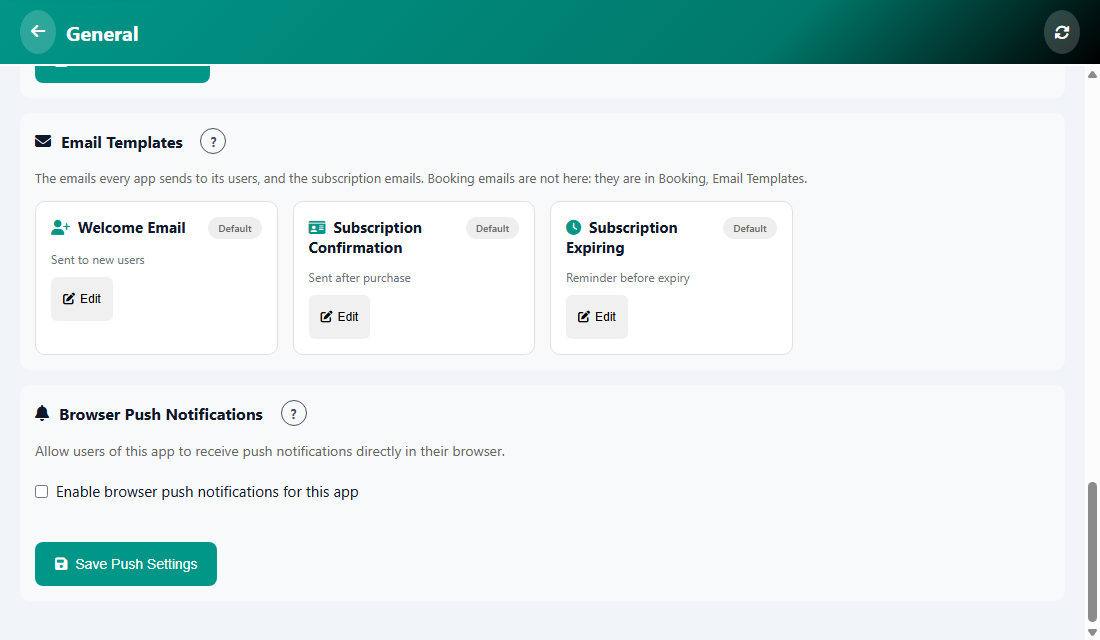
Turn it on
- Open Manage, then General.
- Tick Enable browser push notifications for this app.
- Tap Save Push Settings.
Each person must also allow notifications when their browser asks. People who say no do not receive them.
Was this article helpful?