
Booking Widget Mode
The booking widget is the part of your public page where customers choose and book. This setting decides the order of the steps.
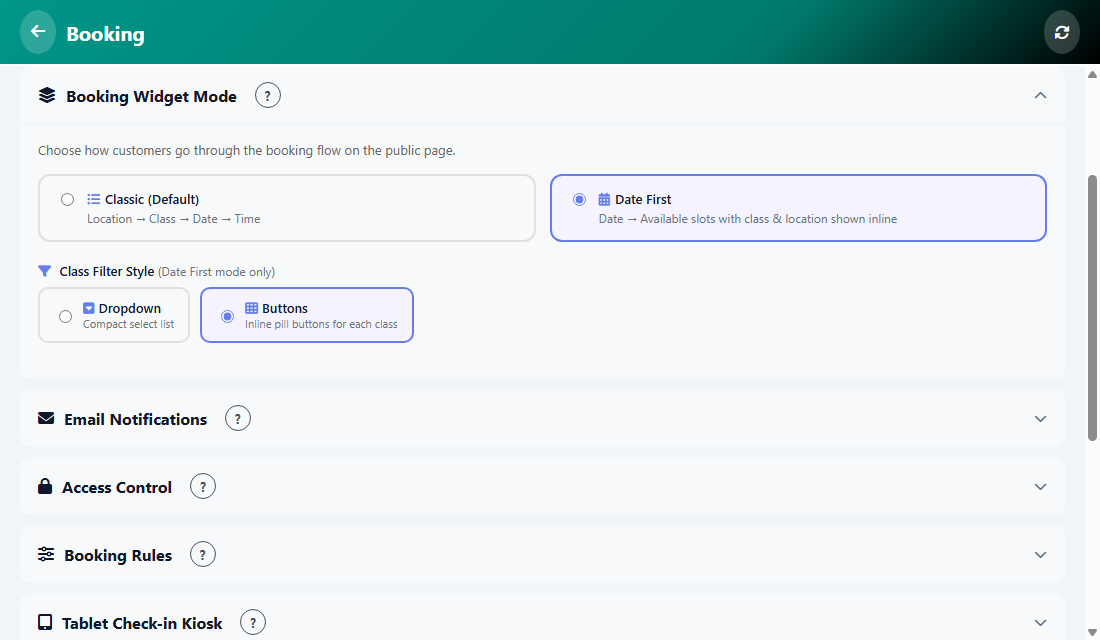
The two modes
- Classic (Default): Location, then Class, then Date, then Time.
- Date First: the customer picks a date and sees the available slots, with the class and location shown on each slot.
Class Filter Style
This option works in Date First mode only. It decides how customers narrow the slots by class:
- Dropdown: a compact select list.
- Buttons: small pill buttons, one for each class.
- Open Manage, then Booking, then Settings, then Settings again.
- Choose the mode and the filter style.
- Tap Save.
Was this article helpful?