
Timezone
Pick the timezone of the place where you work, so the times you set for slots and sessions are the times people see.
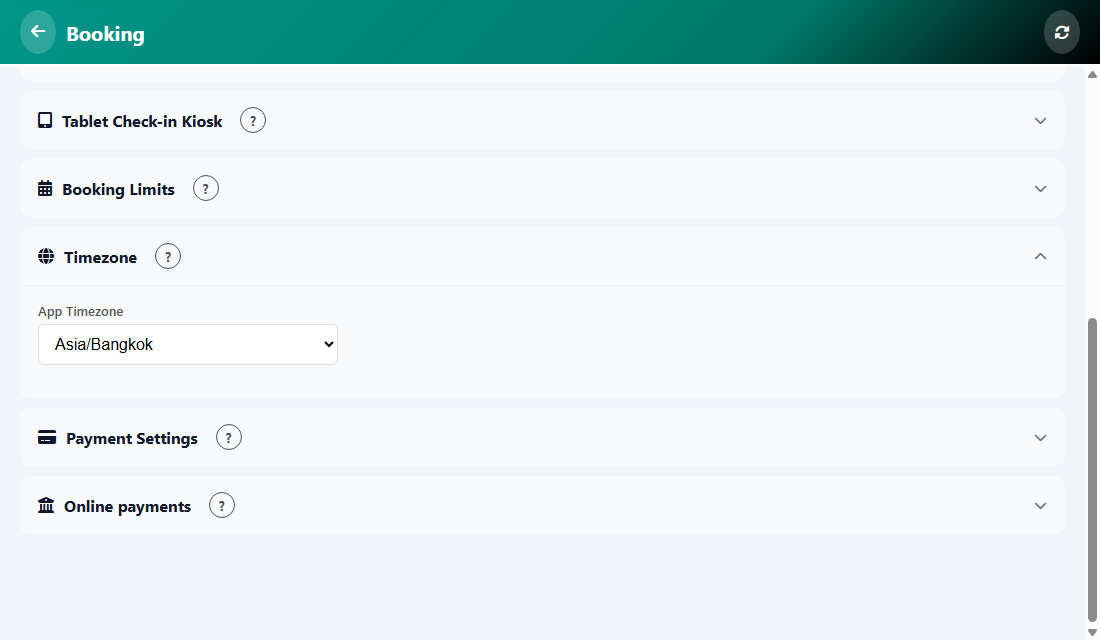
How to set it
- Open Manage, then Booking, then Settings.
- Find the Timezone card and open the App Timezone list.
- Choose your city or region, for example Asia/Bangkok, then save.
Tip: Choose the timezone before you create time slots, so the times you type are in your local time.
Was this article helpful?